
For VSCode & Cursor
Commit in seconds,
not minutes.
AI-powered commit messages, visual reflog browser, squash, amend, reset, and undo — all from your editor.
Git History
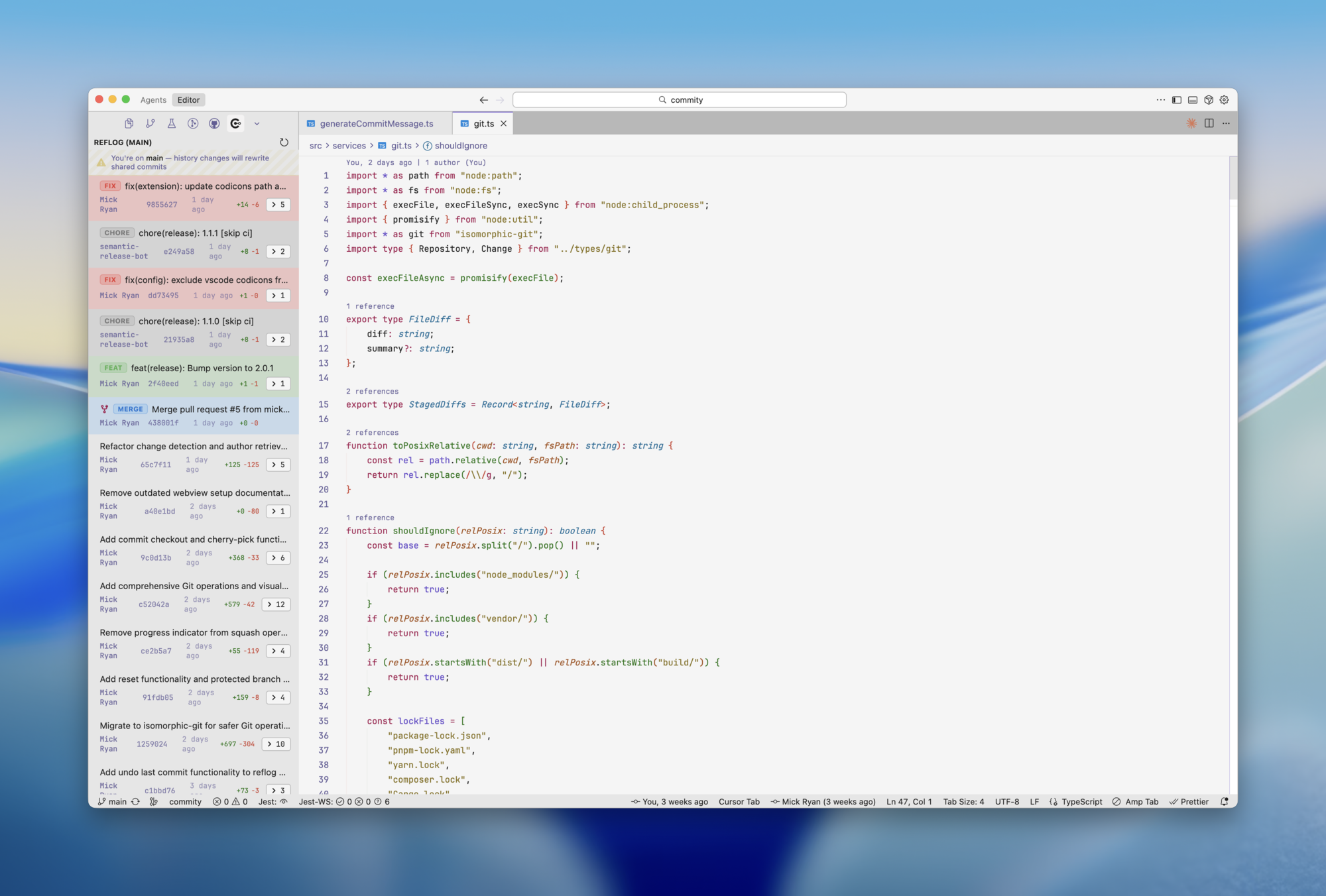
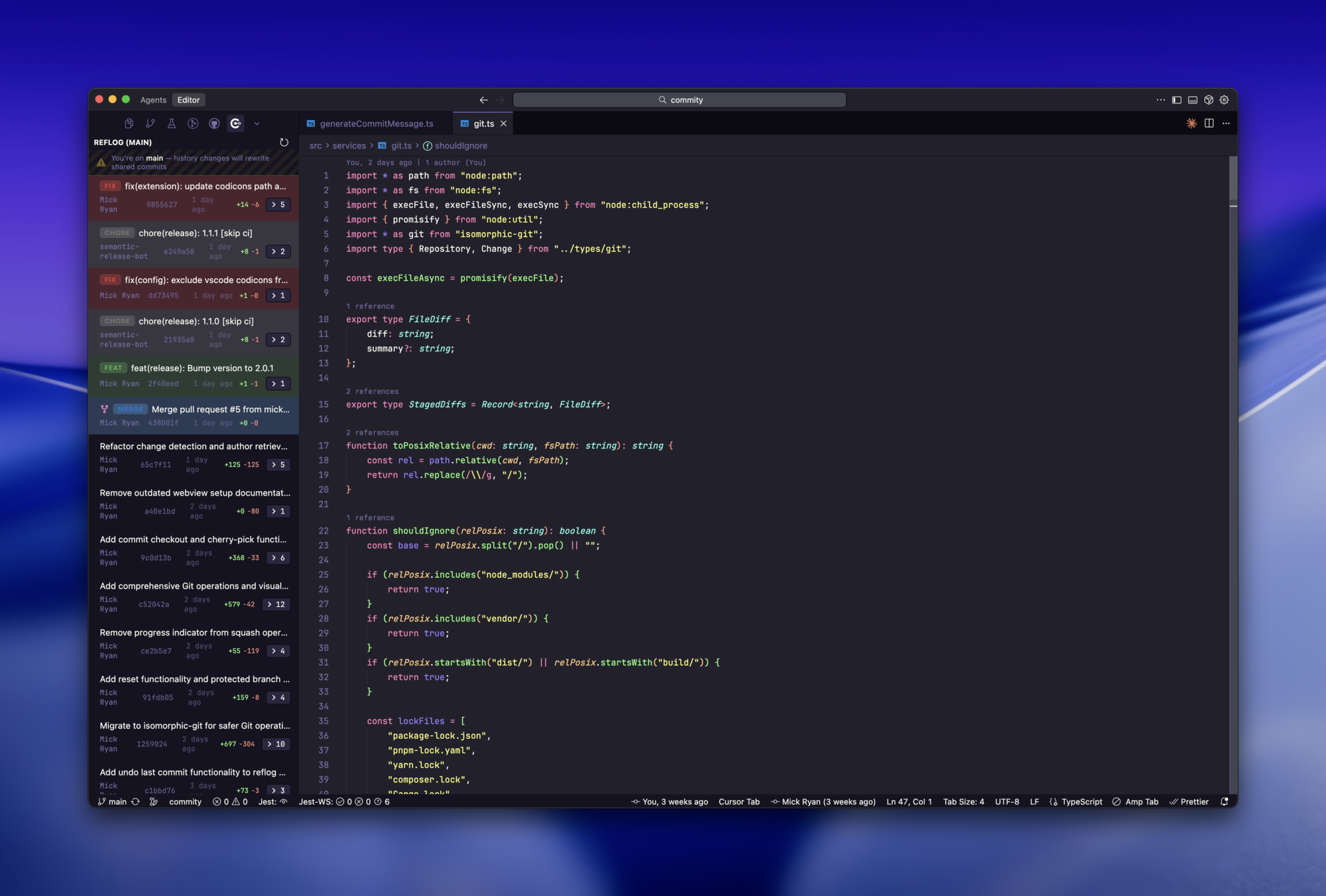
Visual Reflog Browser
Navigate your entire git history with a dedicated sidebar. See all commits, branches, and HEAD movements at a glance.
AI Powered
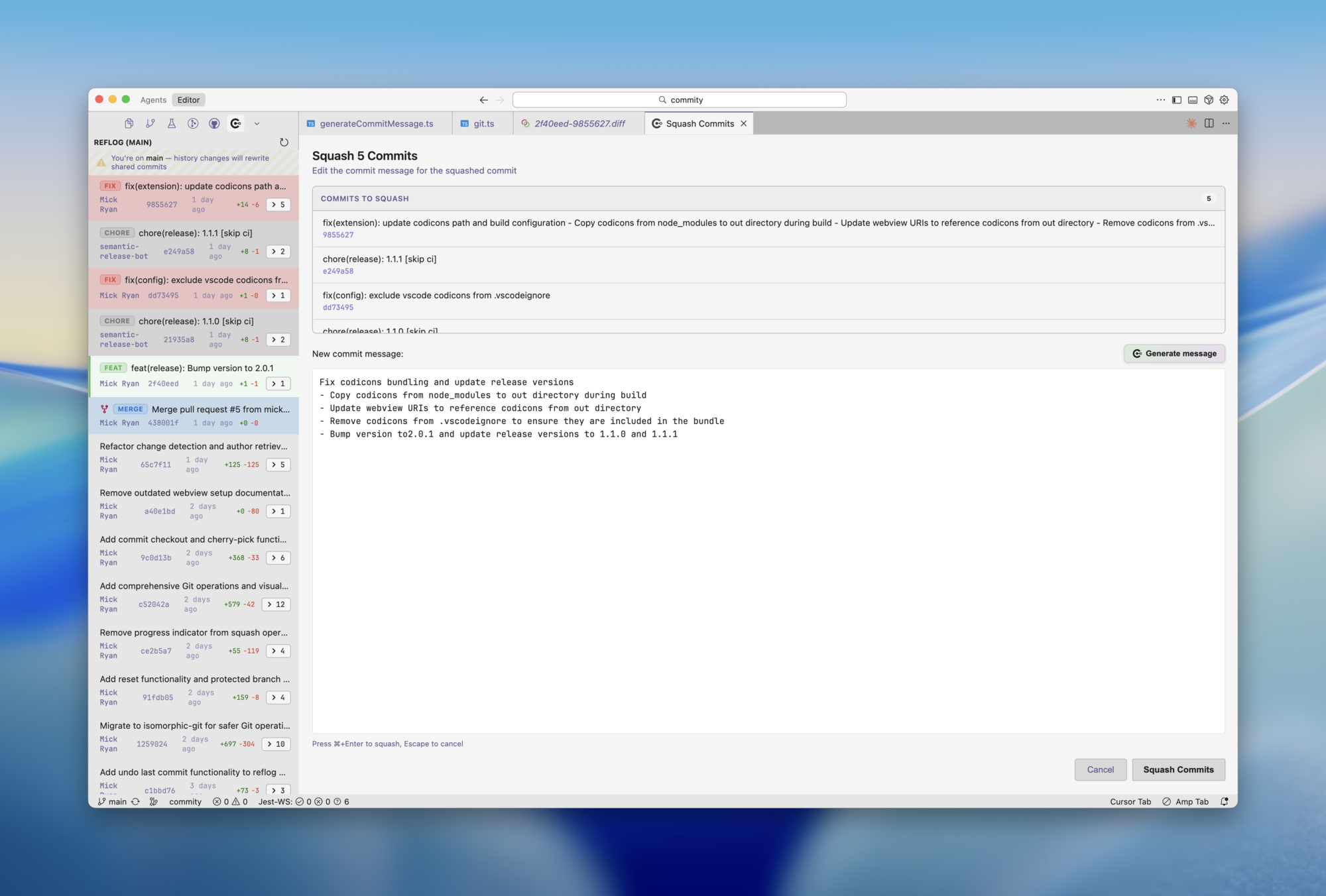
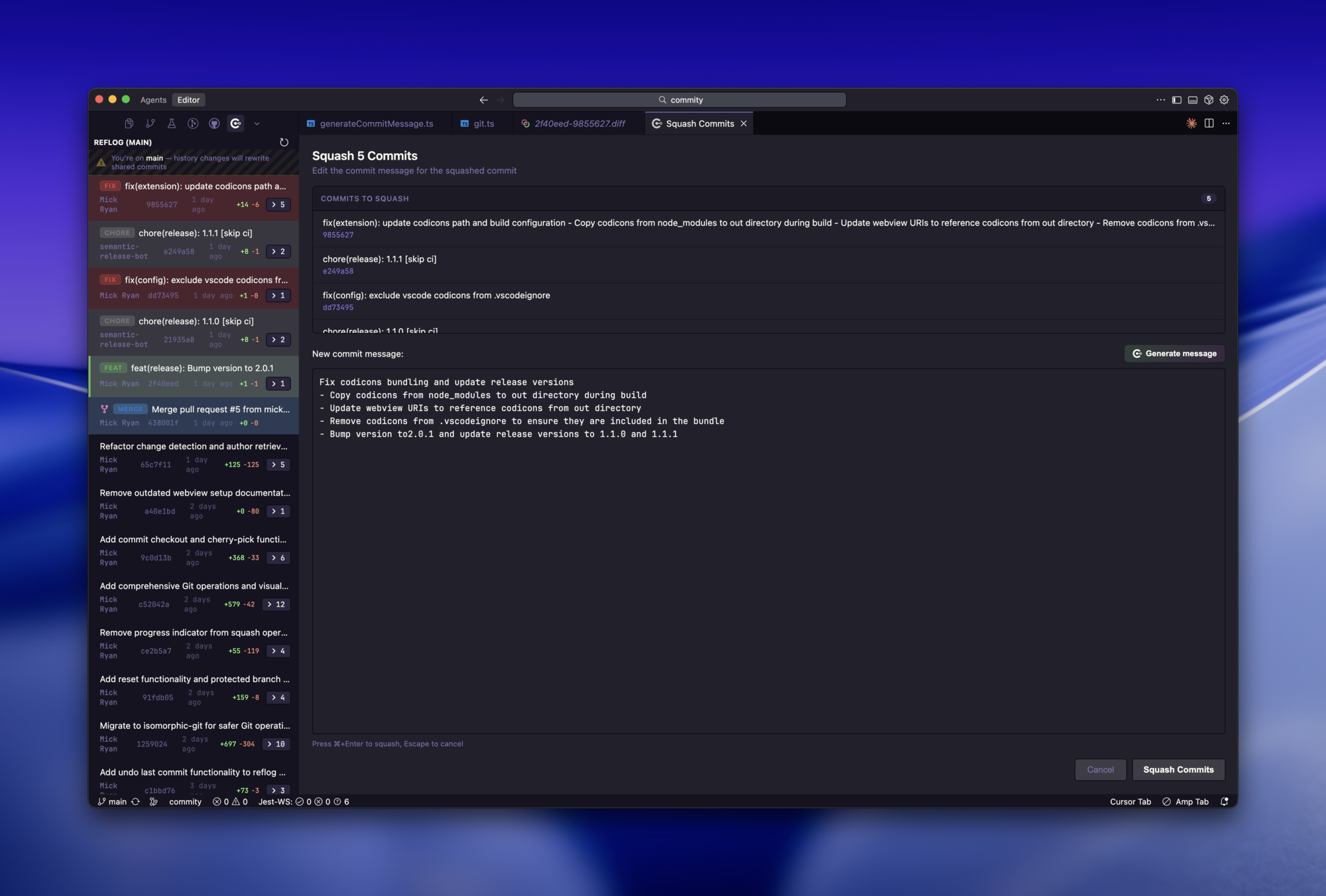
Smart Squash with AI
Select multiple commits and squash them into one. Commity synthesizes a comprehensive commit message from all the changes.
Features
AI Commit Messages
Context-aware, generates in under 1 second
Reflog Browser
Visual commit history in dedicated sidebar
Squash Commits
Combine commits with AI-synthesized messages
Amend & Reset
Edit recent commits, undo mistakes instantly
Context Menu
Right-click for all git operations
Keyboard Navigation
Arrow keys, space, enter - fully navigable
Configuration
# .commity.yaml in your project root
commitMessagePrompt: |
  Generate a Git commit message using Conventional Commits.

  Types: feat, fix, docs, style, refactor, test, chore
  Format: type(scope): subject

  Context:
  Author: {{author}}
  Branch: {{branch}}
  Changes: {{changes}}
Installation
VS Code: Cmd/Ctrl+P → ext install ryanlabs.commity-ai
Cursor: Cmd/Ctrl+P → ext install ryanlabs.commity-ai
Ready to ship faster?
Stop wrestling with commit messages. Start shipping code.